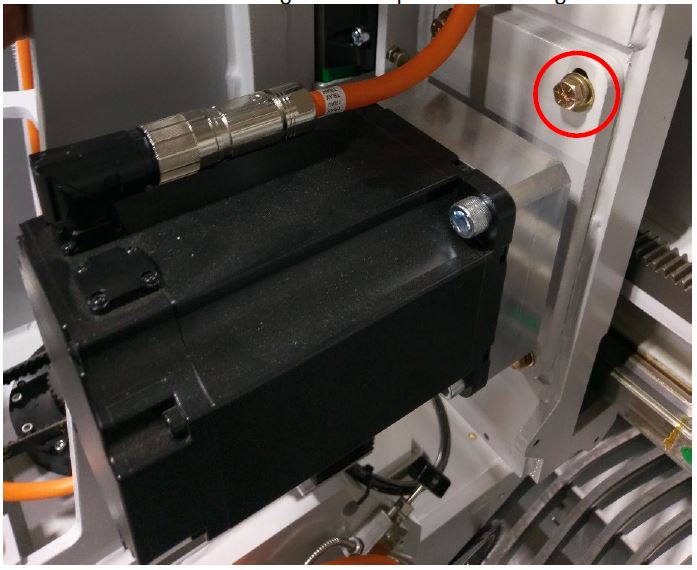

This document will show you how to correct backlash or gear mesh on Saber, Saberjet, Saberjet XP and Voyager machines.
Scan to Read on Device:

Y Axis Engagement
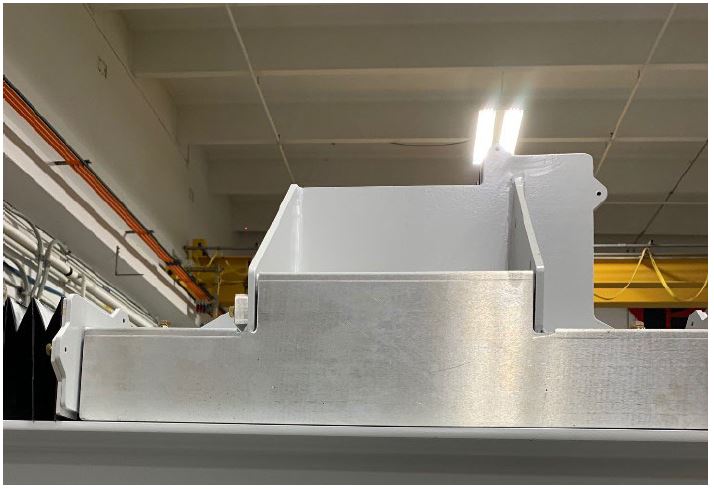
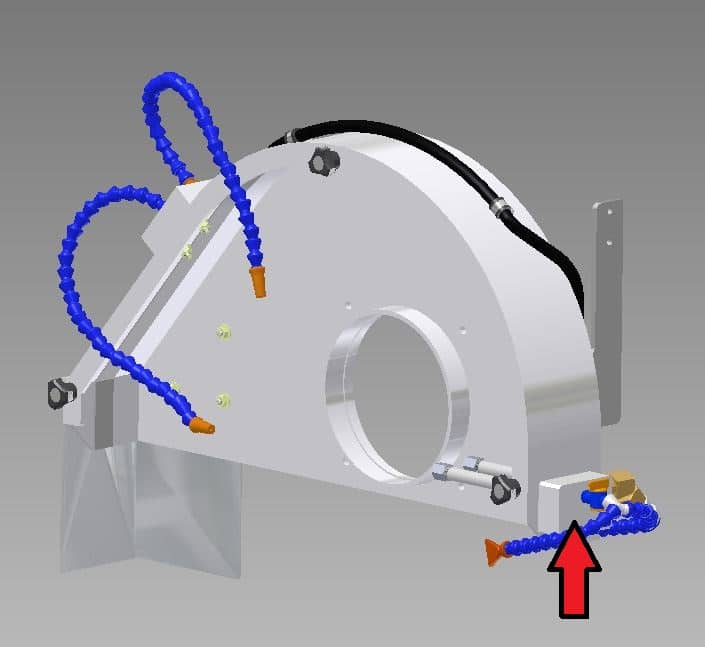
- Remove aluminum plate pictured here.
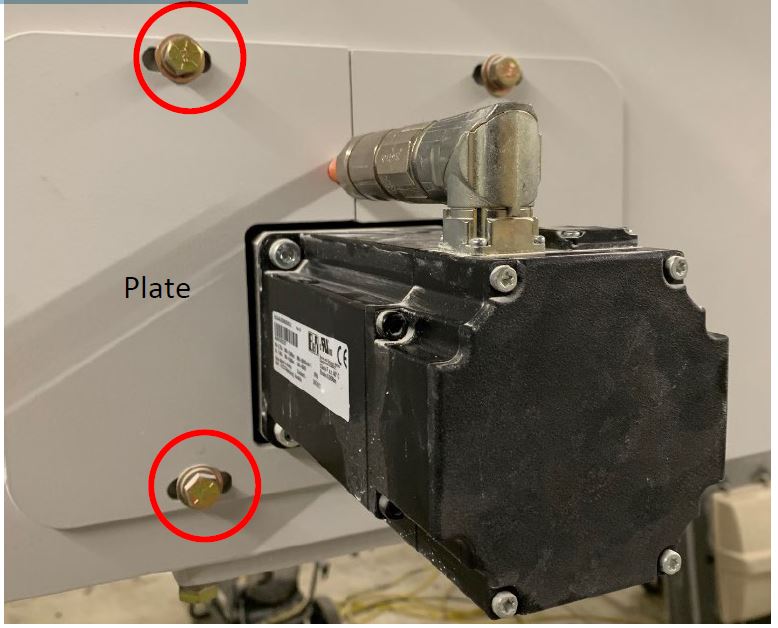
- 2. Loosen the 4 mounting bolts on the plate circled below.
- 3. Push the pinion gears into the gear rack further, gravity should do most of the work but could use a dead blow hammer.
- **Note if the gears don't seem to match up to the rack that good, you may need to loosen the drive shaft on the Y axis motor gear box.
- 4. If necessary to loosen drive shaft you need to access from panels here. Remove the bolts and panels.
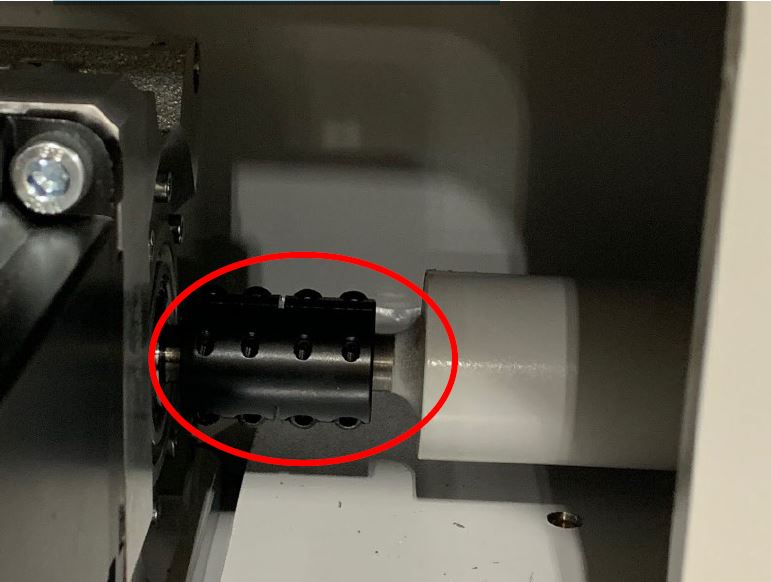
- 5. Loosen the six Allen wrench screws to loosen the drive shaft. Once the pinion is set correctly tighten them back up.
- 6. Re-check backlash again once everything once everything is tightened backup.
X Axis Engagement
- On X axis loosen 4 mounting bolts and push down into gear rack further.
- Tighten mounting bolts back up and re-check backlash.