
Alphacam with Park EZ™ Buttons
CAD / CAM Software
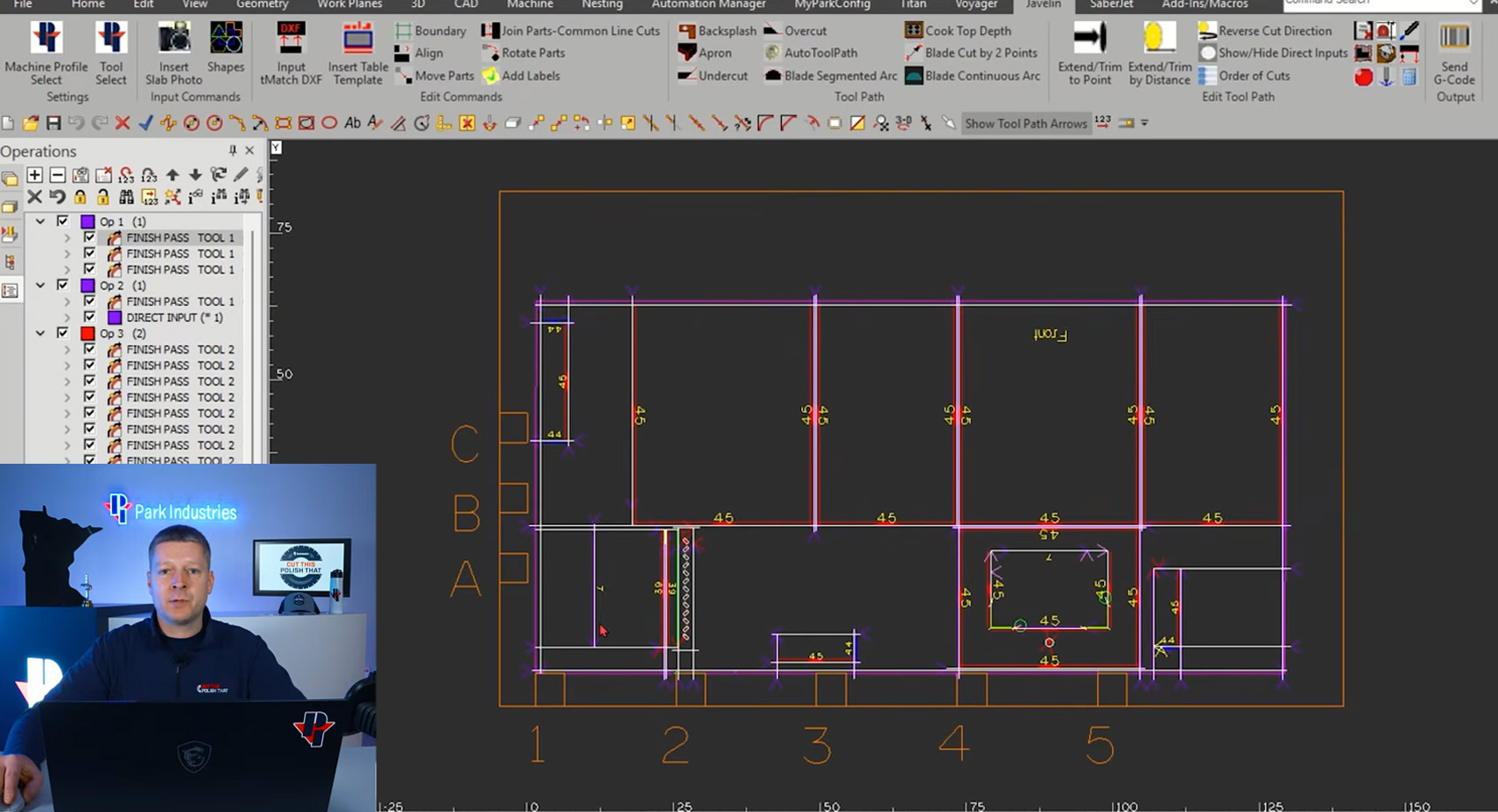
Programming made FAST and SIMPLE! Alphacam’s world-class CAD software paired with Park EZ™ Buttons make common programming tasks EZ. Exclusive on Park Industries CNC machinery, use over 40 built-in Park EZ™ buttons to eliminate tedious programming steps and increase your productivity. Save 60% or more of your programming time and clicks!
Top Time Saving EZ Buttons
Plus over 35 more time savings buttons
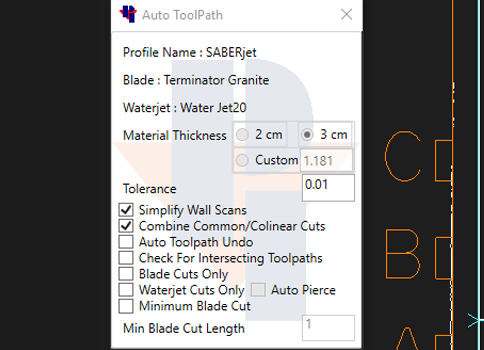
Autotool Path
The single greatest time saver for programming your CNC saw or sawjet! The Auto Toolpath function programs the following with just the click of a button:
- Tool Direction
- Tool Type
- Eliminates Overcuts
- Wall Scribes Made Easy
- Optimizes Speeds and Feeds
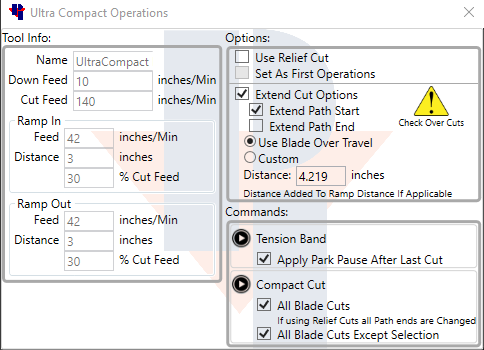
Ultracompact Automation
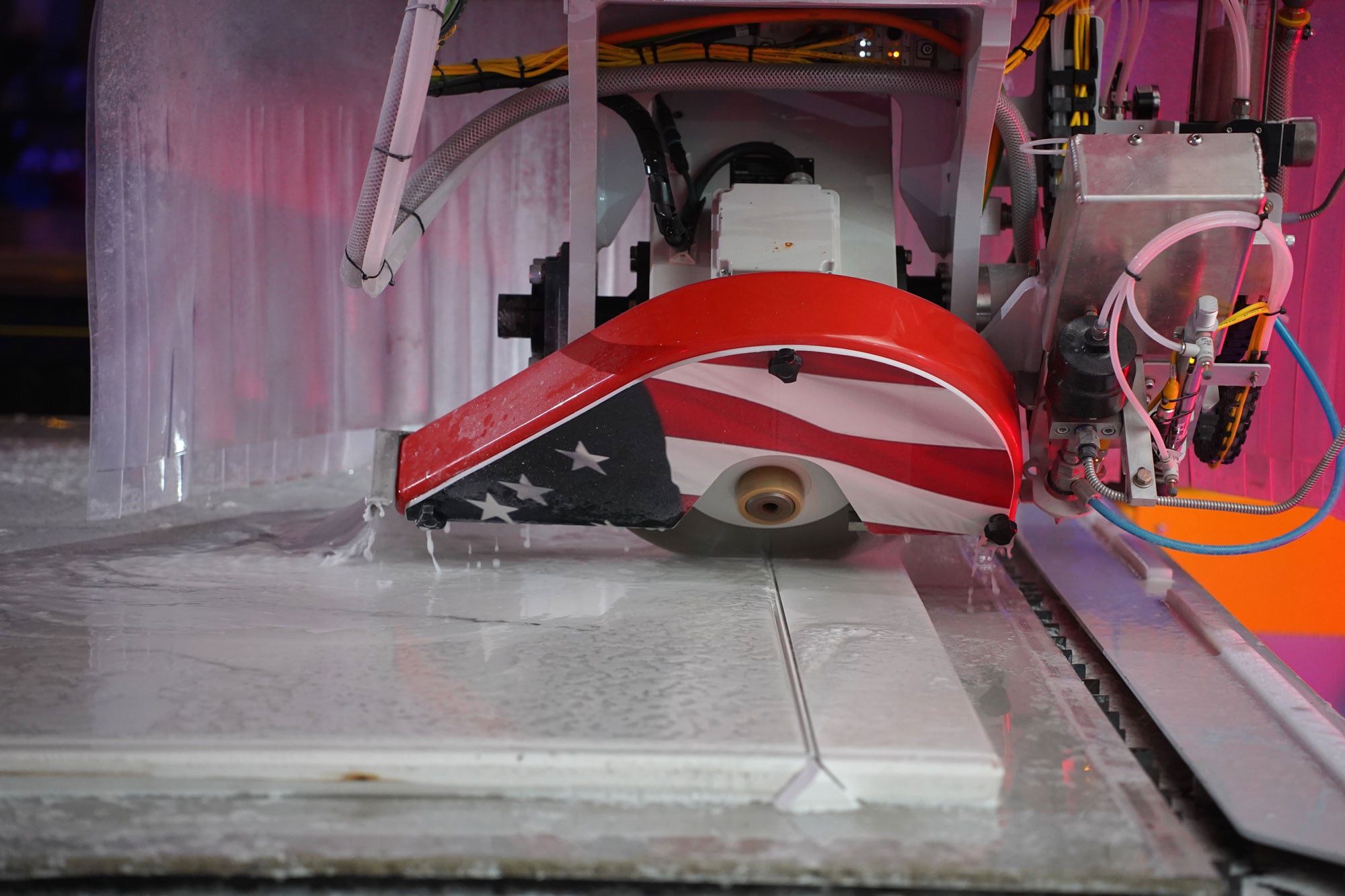
With a focus on increasing programming speed, precision, and simplicity, the Ultra Compact Operations button optimizes your machine’s cutting on ultra-compact, quartzite, and porcelain materials.
With this button, you can quickly and automatically tell your saw to ramp in and out at a set or percentage of speed. No more babysitting the saw while cutting these materials!
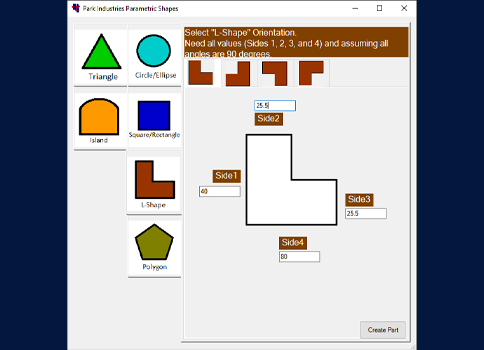
Parametric Programming
Not working off a laser template DXF file? Utilize Park’s Parametric Shapes button to easily create complex shapes by plugging in your desired dimensions. Create a program of common shapes like L shapes, islands, rectangles and more in just minutes.
Post Programming Functions
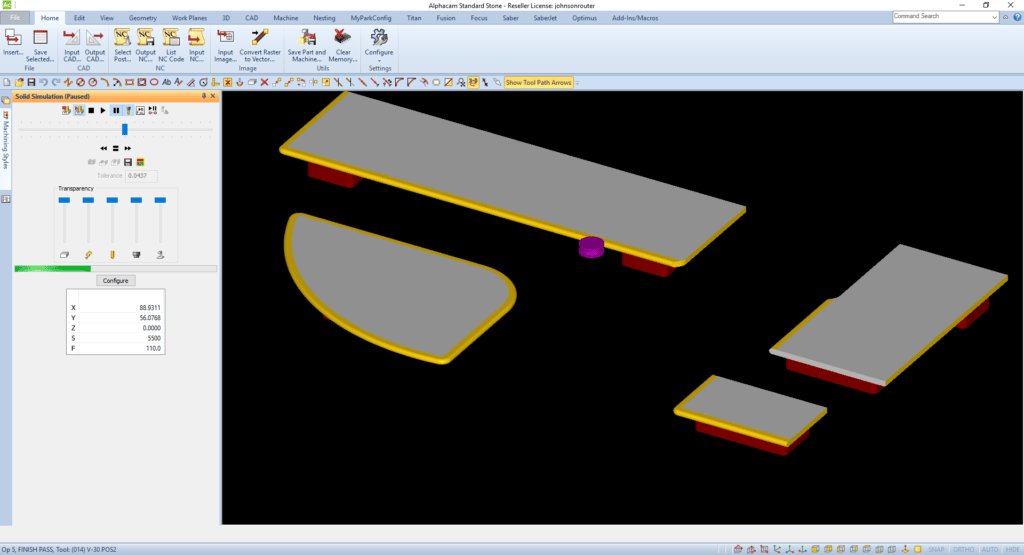
Job Simulation
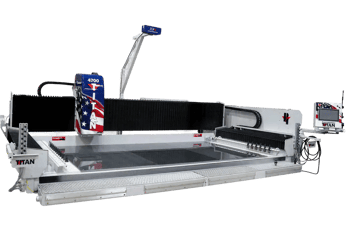
After programming is complete, you can use the simulation feature. For example, on the TITAN CNC Router, you could quickly simulate your program to be sure that toolpaths have been applied properly and won’t collide with the vacuum pods. This is done before the G-code is ever sent to the machine, eliminating potential tool and stone damage.
Streamlined From Software to Machine
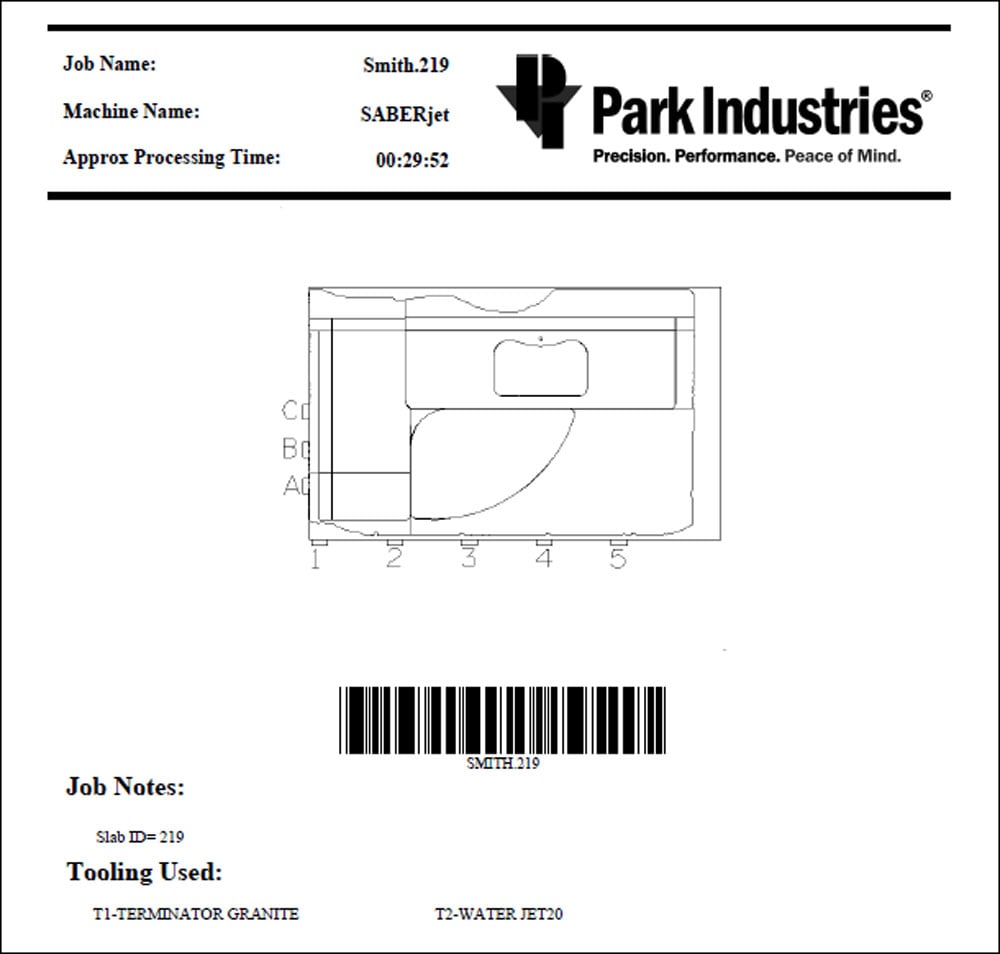
Once all of the Tool paths have been applied, the G-code is sent to the machine with a click of a button. A job report is provided for the operator, including an approximate runtime. The operator scans the barcode, bringing up the correct program on the CNC and they hit the start button on the machine – it’s that simple!

Want a Software Demo?
Want to better understand how Alphacam works on Park's CNC machines? We'd be happy to give you a personal demo, either virtually or in person.