



Submit Your Sink DXF Files
If you have a DXF file for a sink you cut, we can help add it to your machine. Submit your file below, and we’ll work with you to ensure it’s ready to use.
Get Help Adding Your Sink Files to the Spartan™
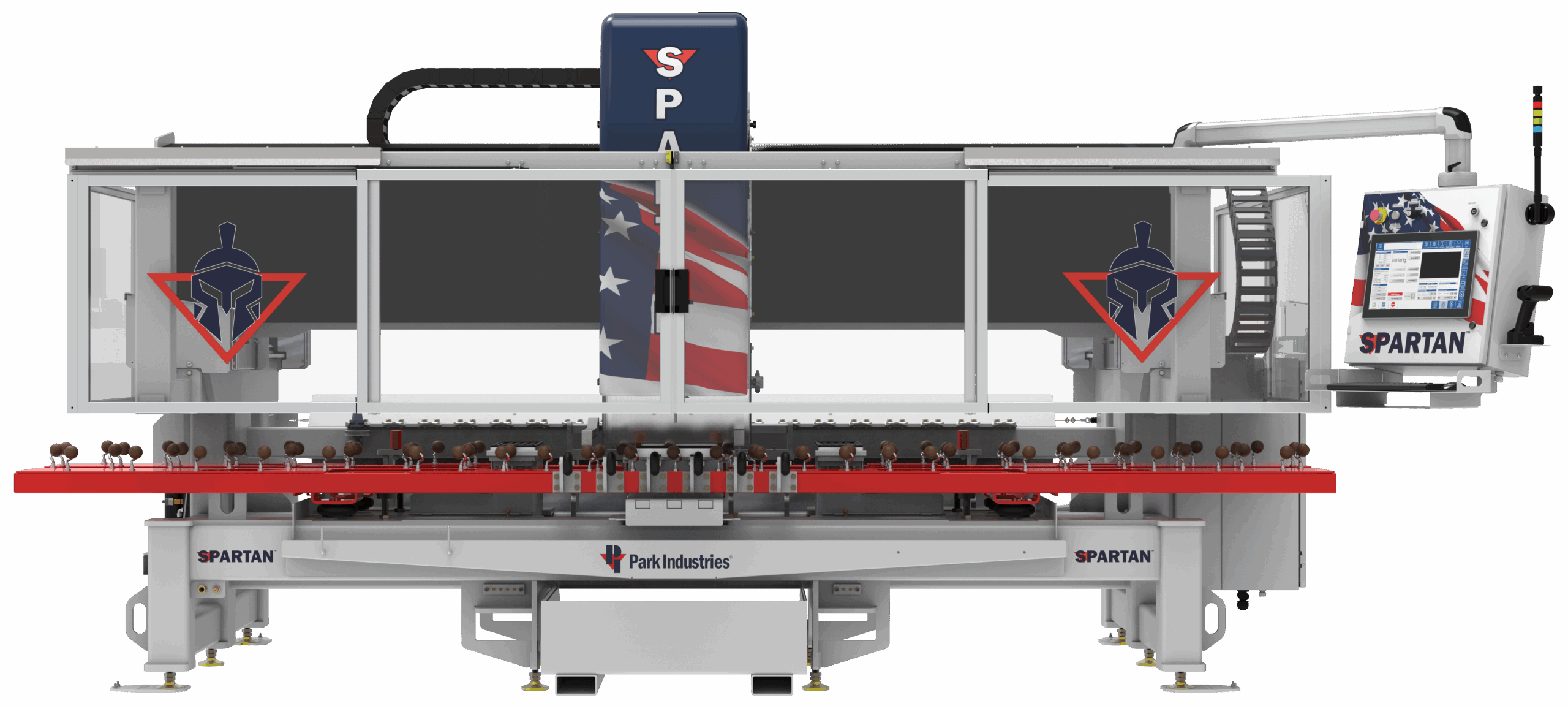
Park Industries® is here to support your setup with the SPARTAN Sink & Seam CNC Router. If you have a DXF sink cutout file that isn’t already included, you can send it to us.
We’ll review the file and help load it onto your SPARTAN. If any adjustments or clarifications are needed, a Park Industries® associate will follow up with you directly.
Note: Sink DXF clean-up applies only to SPARTAN machines.
Sink DXF Submission Instructions
1. Complete the Form
Fill out all required fields and upload the DXF file of your sink with accurate measurements.
2. Need a DXF File?
- Visit the sink manufacturer’s website.
- Search for your sink model number.
- Download the cutout template DXF file.
- Watch this video for help (0:35 – 2:04)
3. Submit the Form
Once submitted, the Training Department will review and clean up the sink files.
4. File Delivery
- For existing SPARTAN machines, Customer Service will contact you within 5 business days to load the updated files.
- For new SPARTAN machines, Park will include the cleaned-up sink files at installation.
sink DXF File Upload
Use this form to upload your sink DXF file. Include the sink model, brand, and any other details we should know. We’ll review the file and help add it to your SPARTAN.
Browse Stone Machines
JAVELIN™
CNC Sawjet
Models Offered:
Single Table, Two Table
Applications:
Countertops/Interior
Key Features:
Waterjet, 27hp saw, Mitering, Small Footprint, VFD, Large Work Envelope
SABERjet™ XP
CNC Sawjet
Models Offered:
Single Table, Two Table
Applications:
Countertops/Interior
Key Features:
Waterjet, 27hp saw, 5-axis, Mitering, VFD, Slab Loader
TITAN®
CNC Router Series
Models Offered:
TITAN® 4700, TITAN® 4800
Applications:
Countertops/Interior
Key Features:
High-speed polishing, Large work table, Easy-to-operate
SPARTAN™
Sink & Seam CNC Router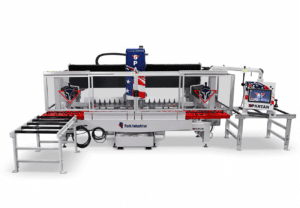
Applications:
Countertops/Interior
Key Features:
Sink cutting & polishing, Euro or straight seams, Load N’ Go system, Built-in sink template library
FASTBACK® II
Flat-Edge Polisher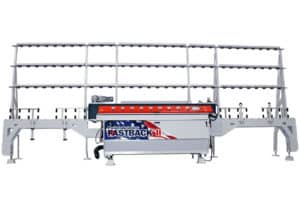
Applications:
Countertops/Interior
Key Features:
Up to 65″/ min, Spindle stagger, SlabBACK™ support, Single-pass
VOYAGER™ XP
5-Axis CNC Saw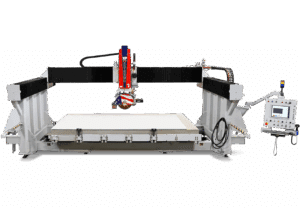
Applications:
Countertops/Interior, Architectural/Dimensional
Key Features:
TightCut, 27hp saw, Mitering, Milling, VFD, Tilt table
SlabVision™
Vertical Slab Scanner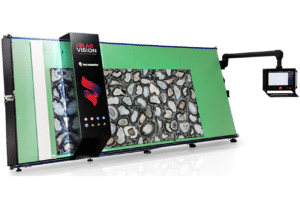
Applications:
Countertops/Interior
Key Features:
High-Resolution Imaging, Effortless Operation, Compact Design
HydroClear™ PRO
Water System Series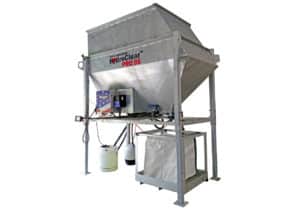
Models Offered:
7 Unique, Customizable Systems
Applications:
Countertops/Interior, Architectural/Dimensional
Key Features:
All-in-one system, Up to 170 gallons / min, Advanced controller