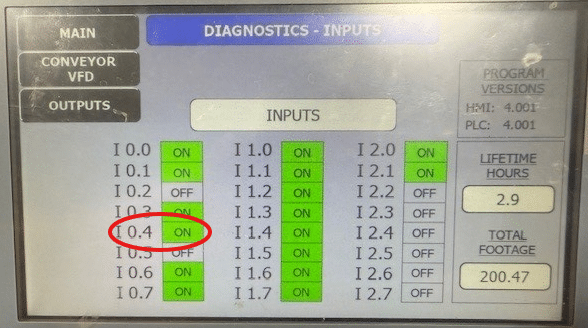
This guide will help you bypass the water flow switch on a Fastback if you are having water flow alarms and you have significant flow to the tools.
This guide is for troubleshooting and any defective components should be replaced to avoid damage to the machine.
Scan to view on mobile device

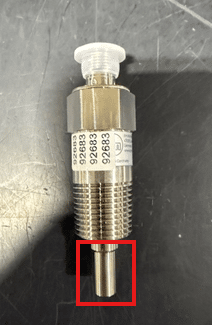
You can remove the water flow sensor and clean the sensor tip using a Scotch-Brite pad. Reinstall the sensor and test its operation before proceeding further. When the water is turned on, input I0.4 should illuminate green on the diagnostics screen. If the input does not activate after cleaning and retesting the sensor, proceed with bypassing the sensor.
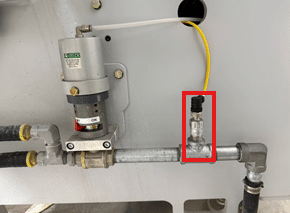
Check that your wires are terminated good in the panel. Open the electrical enclosure and on the left side you can check the I0.4 wires on the terminal strip and PLC.
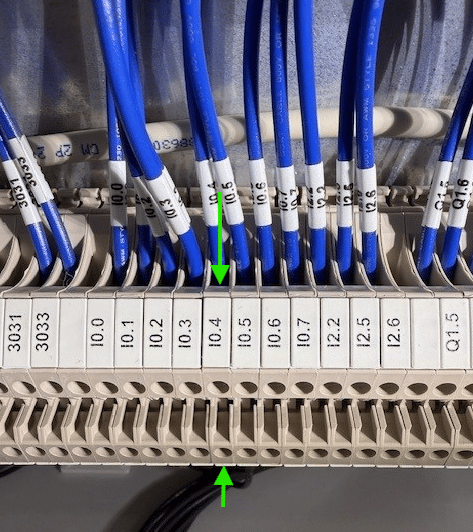
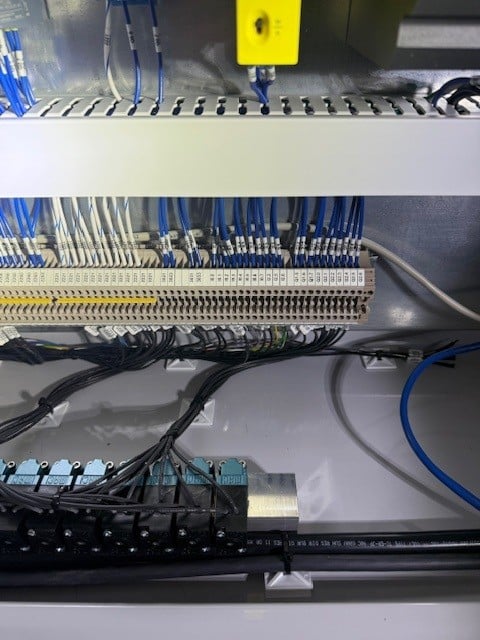
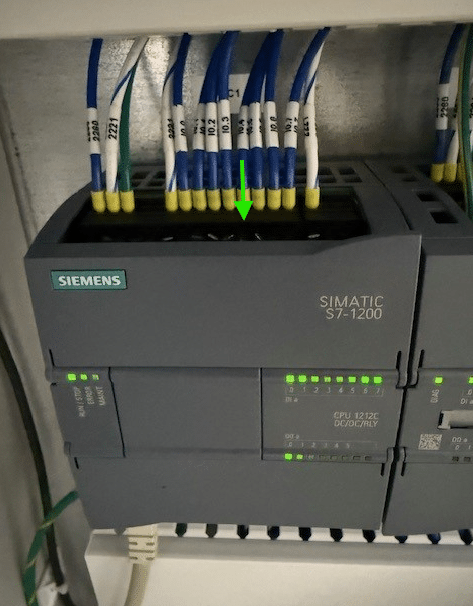
If you need to bypass the switch you can put a paperclip in port 1 and 2. Be sure to reference where the notch key is located (red arrow). Failure to do so can cause the machine to short out.
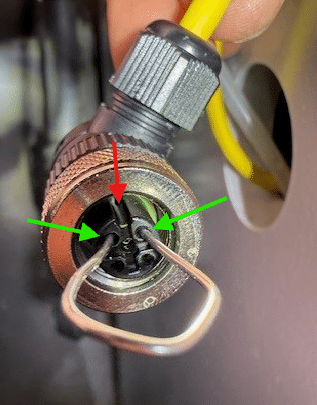
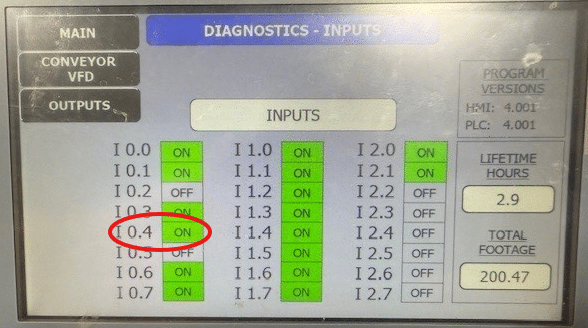
Input I0.4 should turn green in the diagnostics screen. If it did then you have an issue with the flow switch and it will need to be replaced. If it did not you need to proceed. Water flow sensor part number 92683
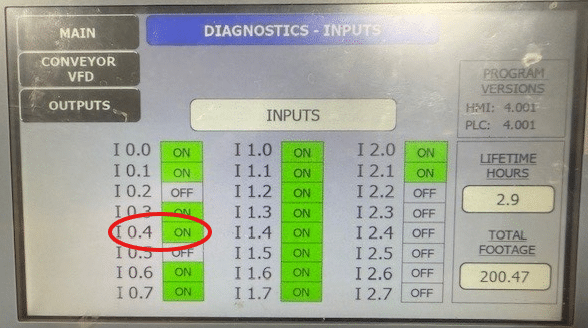
The next step you can do is bypass the water flow switch at the 4 port board. This is located below the screen down by the motor for spindle 1. You can remove the cable on the 4 port board for the water flow sensor.
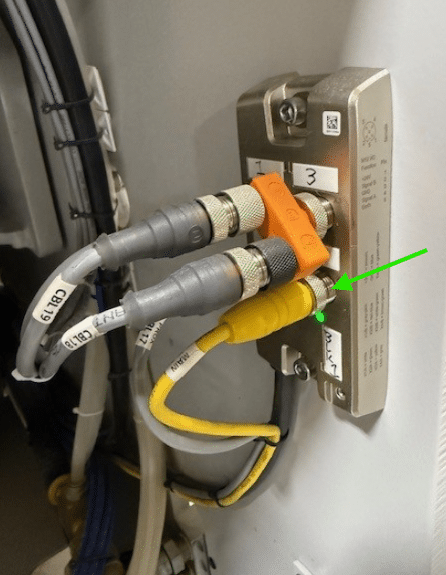
Note: This bypass is not the same as the one in step 2. Be sure to reference where the notch key is located (red arrow). Insert the paperclip into port 1 and 4 to bypass the flow switch and cable.
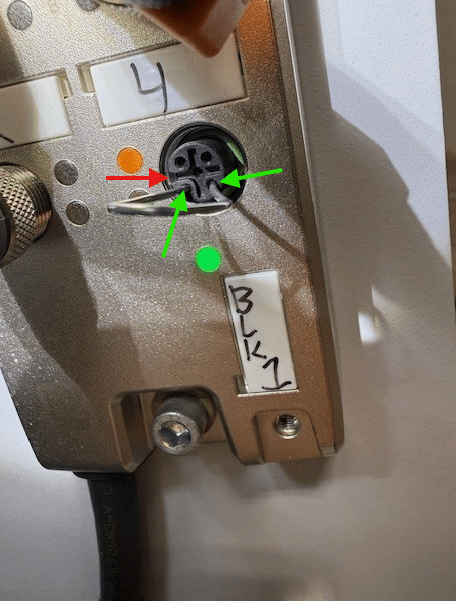
Input I0.4 should turn green in the diagnostics screen. If it did then you have an issue with the flow switch and/or the cable and it will need to be replaced. Water flow sensor cable part number 95220