


This guide will tune the smart spindle to the drive. This
Scan to Read on Device:

SKILL LEVEL 2

ESTIMATED TIME TO COMPLETE: 15 MINUTES
- Power the machine up and let the smart line boot up
- After you power up it should be displaying like shown in the picture
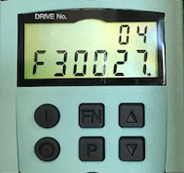
- Press “FN” once and the display should look like the picture
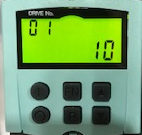
- Press and hold the “FN” then press and hold the “↑” at the same time until the 01 is flashing
- Press the “↑” until it reads 02
- Press the “P” to acknowledge. It should look like this then
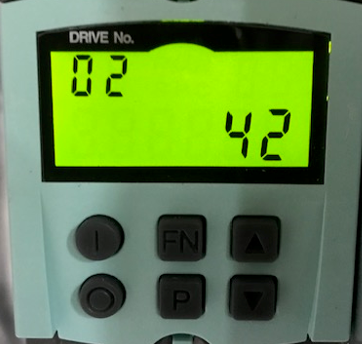
- Press “P” once and it should look like this picture
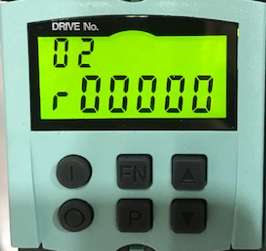
- Press the “↑” until you get to perimeter P01460 [0]
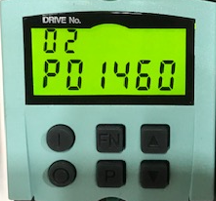
- Press “P” twice and write down the value. Value may be different from picture
- Press “P” again to get back to the list
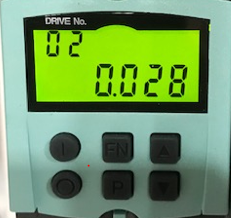
- Press “↓” to move to perimeter P00340 [0]
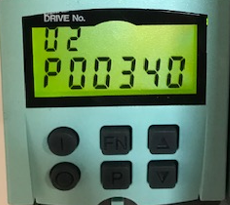
- Press “P” twice to display the value
- Press the “FN” then the “↑” to move from a 0 to a 1. It will flash.
- Press “P”
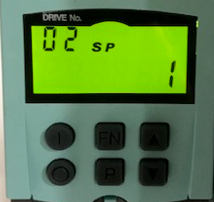
- Press “FN” again and “↑” to a 3. It will flash
- Press “P” twice
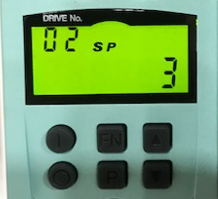
- Press “↑” to P01460
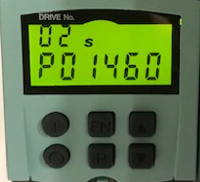
- Press “P” twice and write down the new value. Value may be different from picture
- Press “P” again to get back to the list
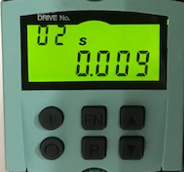
- Press “↓” until you get to r00035
- Press “P” once to display value
- Verify the correct motor temp value
- Note the motor temp value of r35 should not exceed 50 degrees Celsius
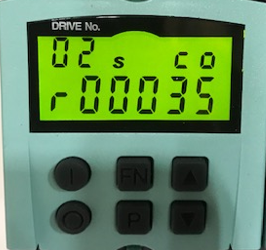
- Press the “↑” until you get to p00971
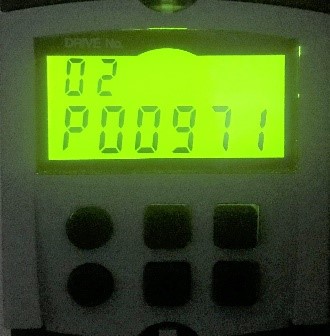
- Press “P” once to display value
- Press “FN”
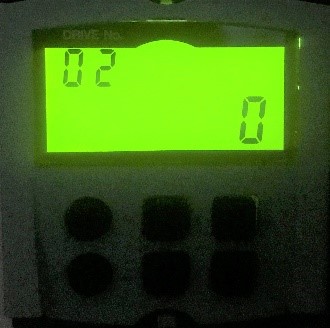
- Press “↑” to a 1
- Press “P” Note it will change back to a 0
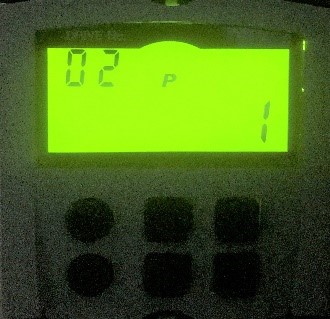
Your tuning is now complete