This guide will help you if you are not getting any water flow to your tools on your Fastback. If you have water flow but are getting a water flow alarm see our Fastback water flow sensor bypass guide.
This is assuming that the water is turned on to the machine. When doing this procedure you can turn the air off the machine to make it easier to disconnect an air line and turn it back on again.
Scan to view on mobile device

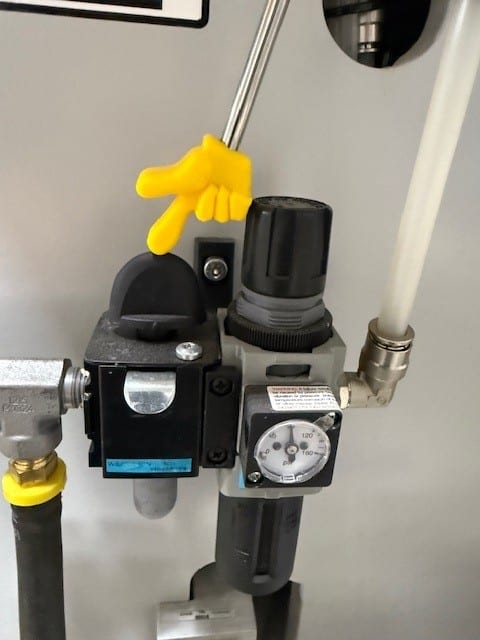
Be sure that your air is turned on to the machine. You should have 80psi.
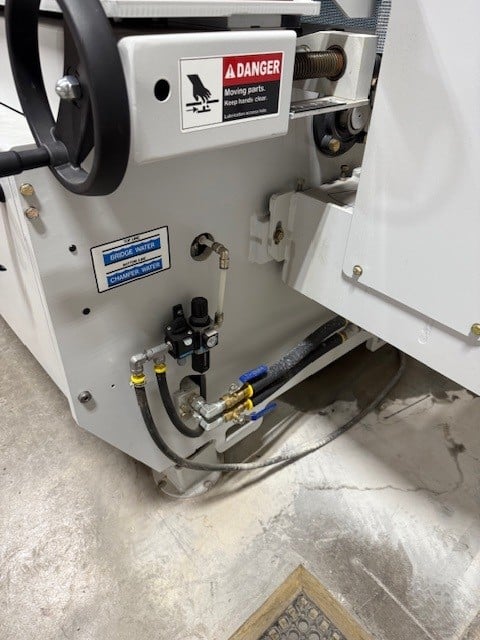
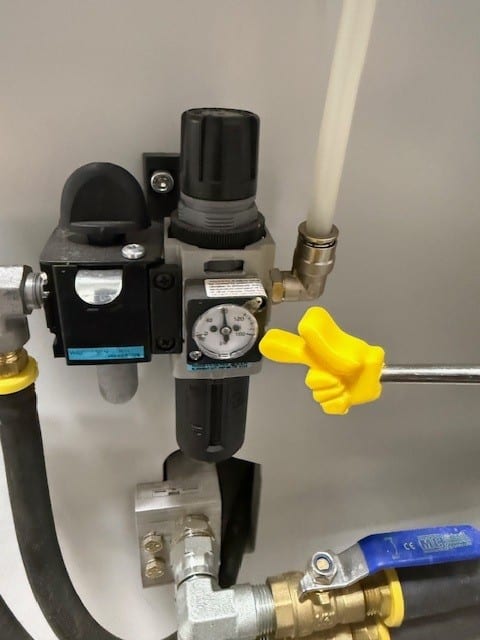
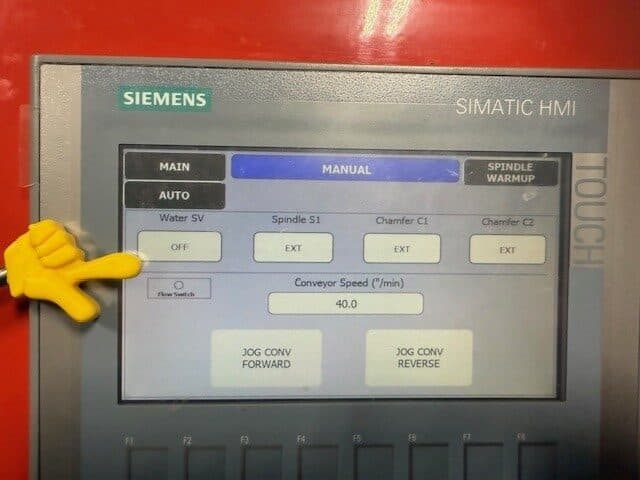
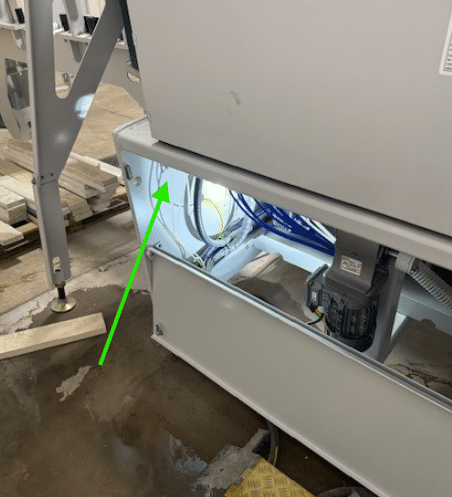
Check to see if this valve is turning on when you start the machine or turn the water on in the manual screen.
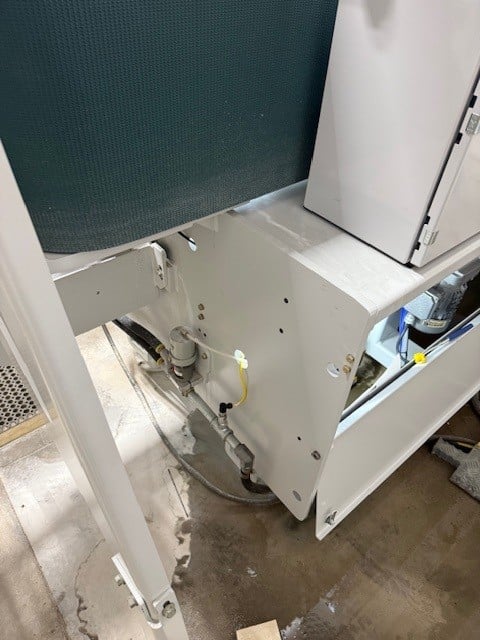
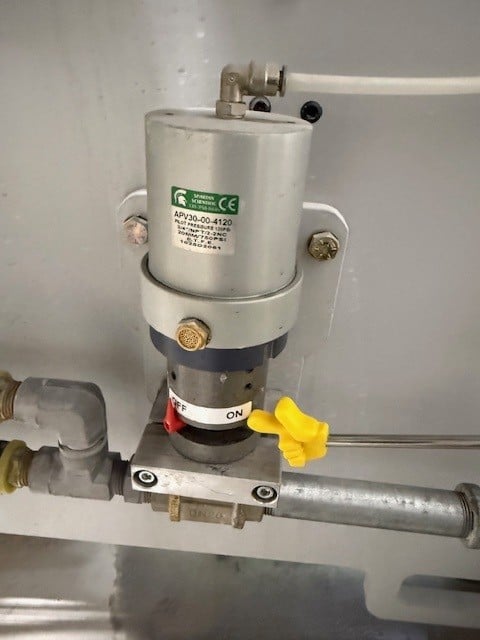
Find the Mac poilet valve.
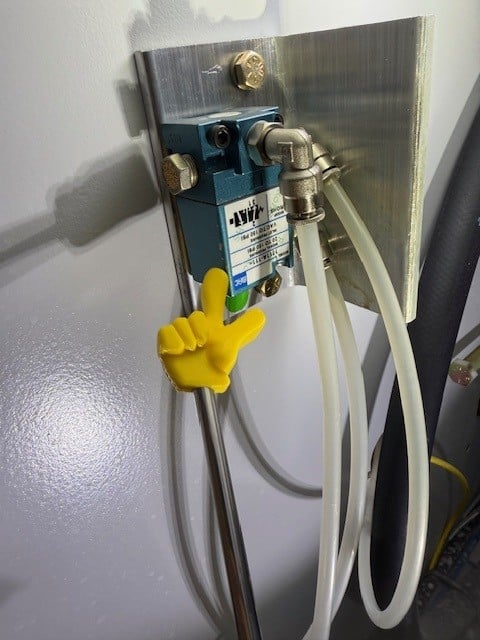
Verify that you have air pressure at this line. Remove the air line to check. To remove the air line push the end of the fitting in and pull the line out. If you do not have air pressure recheck your incoming air pressure to the machine. If you do proceed to next step. Reconnect air line.
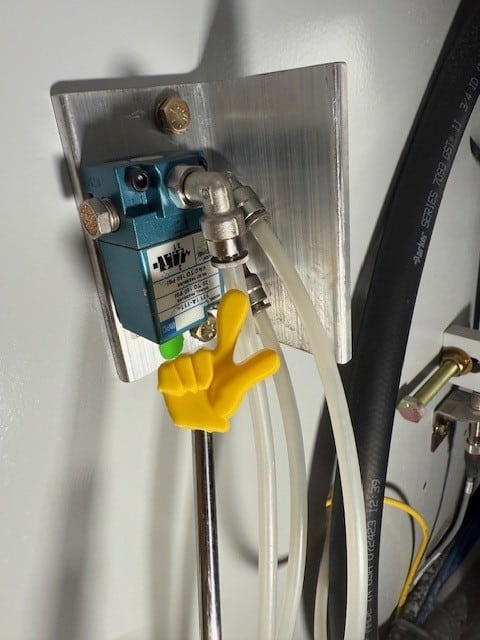
Remove this air line and verify you have air. If you do proceed to the next step and keep the line disconnected. If you do not double check that you have air to the machine. If you have air to the machine then your Mac valve pn 70004518 in the electrical cabinet is bad and needs to be replaced.
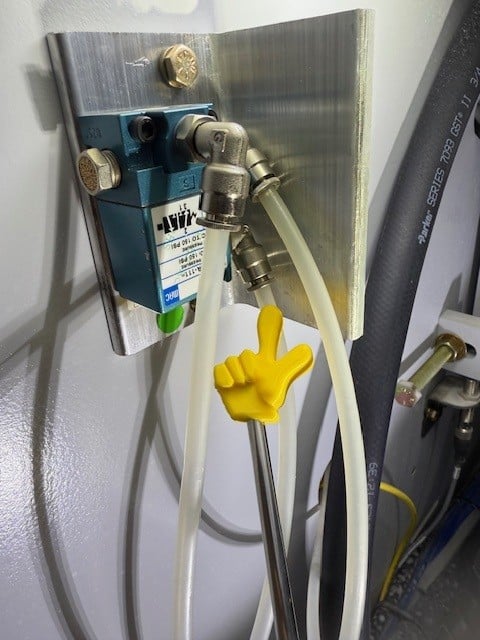
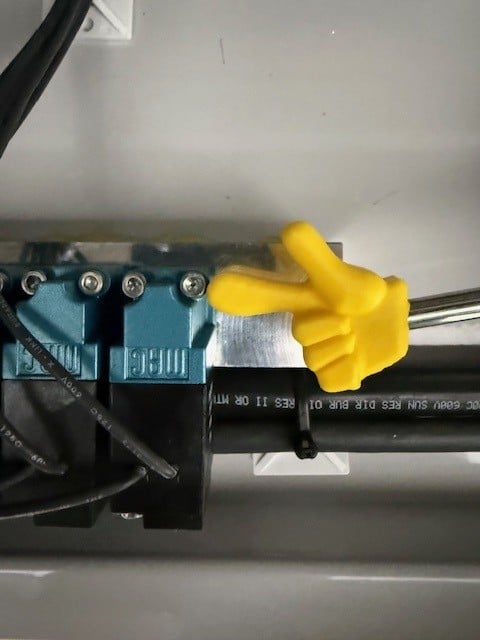
Below is Mac valve pn 70004518. If you need to replace it see instructions at the end of this procedure.
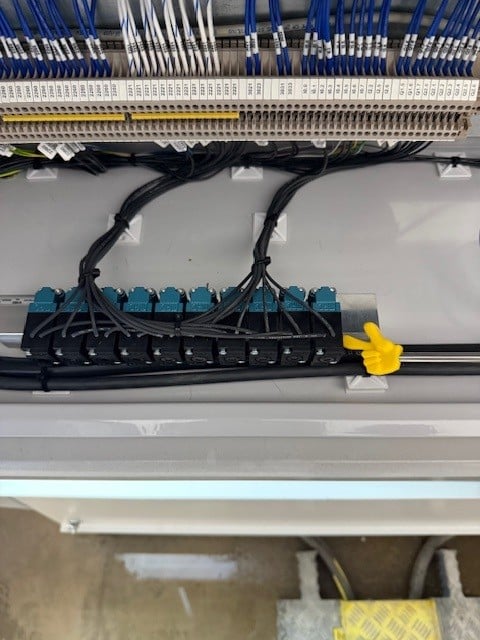
Press and hold the white button on the Mac valve in the electrical cabinet. See if the air stops to this line. If it does the valve is good and you can proceed to the next step. If it does not the valve needs to be replaced. Reconnect the line.
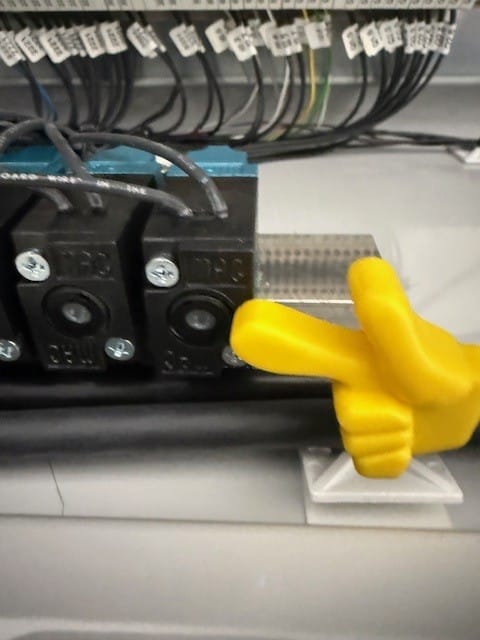
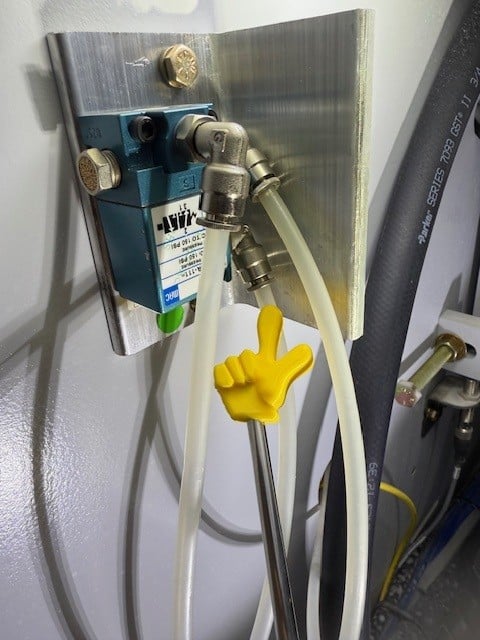
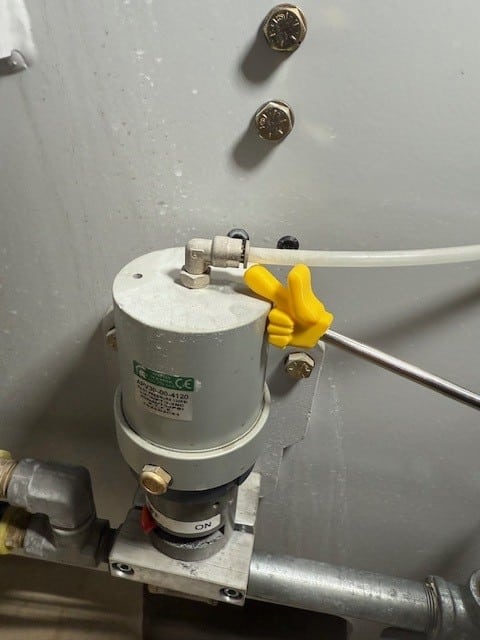
Remove this line and turn the water on at the touchscreen. If air comes out of this line, then the everything is good with the air. It it does not then the pilot operated Mac valve it bad pn 3082000.
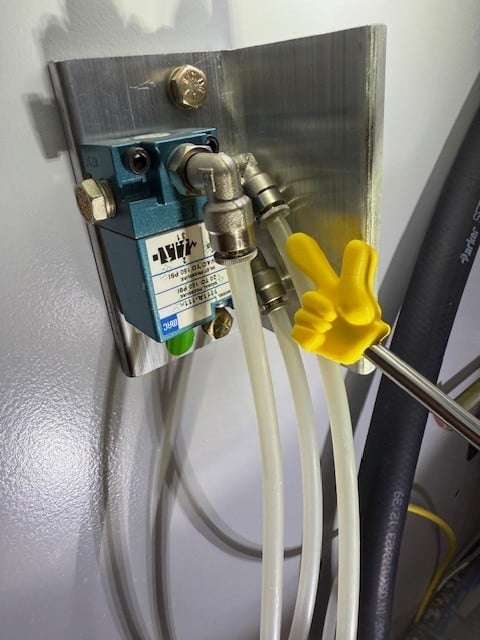
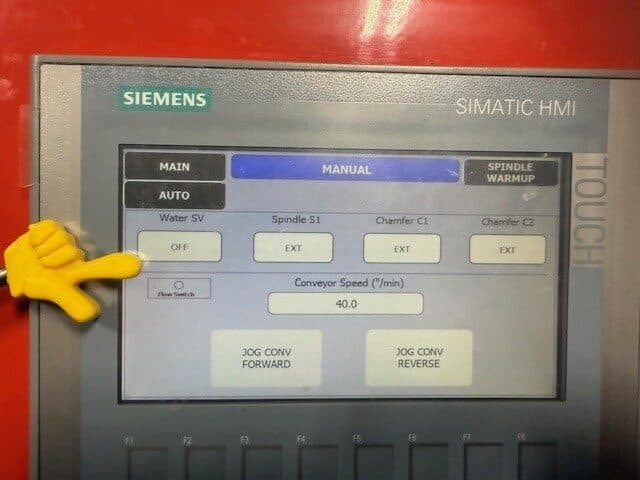
If the air comes out of the air line above but the water does not turn on you can make sure you are getting air directly to the valve here. If you have air right at the valve then the valve is bad pn 70001200.
How to replace the Mac Solenoid valve
Turn the air off to the machine and make sure your gage shows zero.
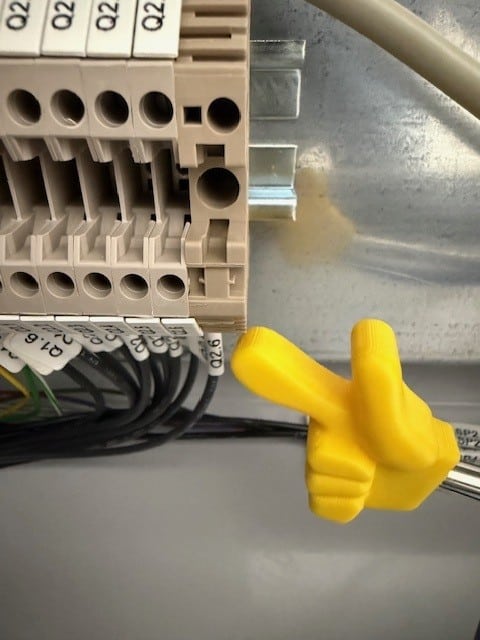
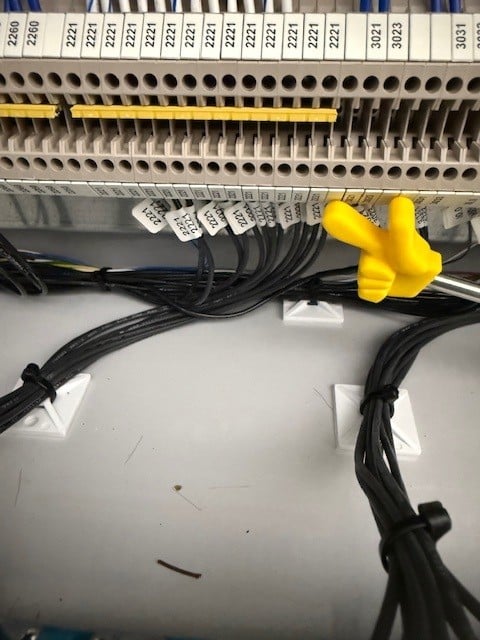
Take the bolts out of the valve and disconnect the wires from the terminal strip. hook up the wires from the new valve and bolt the valve back on. Turn the air back on and check operation. If still having issue proceed with this guide again.
your wire numbers may change from this guide. This is just a referance.